Video Plus
TomorrowStandard · Monthly
$4.99
Next charge Oct 2
DetailsSubscription tracker for iPhone
Bring memberships, app subscriptions and recurring bills into one organized wallet. See what you spend, get reminders before renewal and stay ready for the next payment.
Free to download · No account needed · Local records, with optional iCloud sync in Pro
Standard · Monthly
$4.99
Next charge Oct 2
Details$0.99/mo · charges Oct 4
$1.99/mo · charges Oct 12
$19.99/mo · charges Oct 17
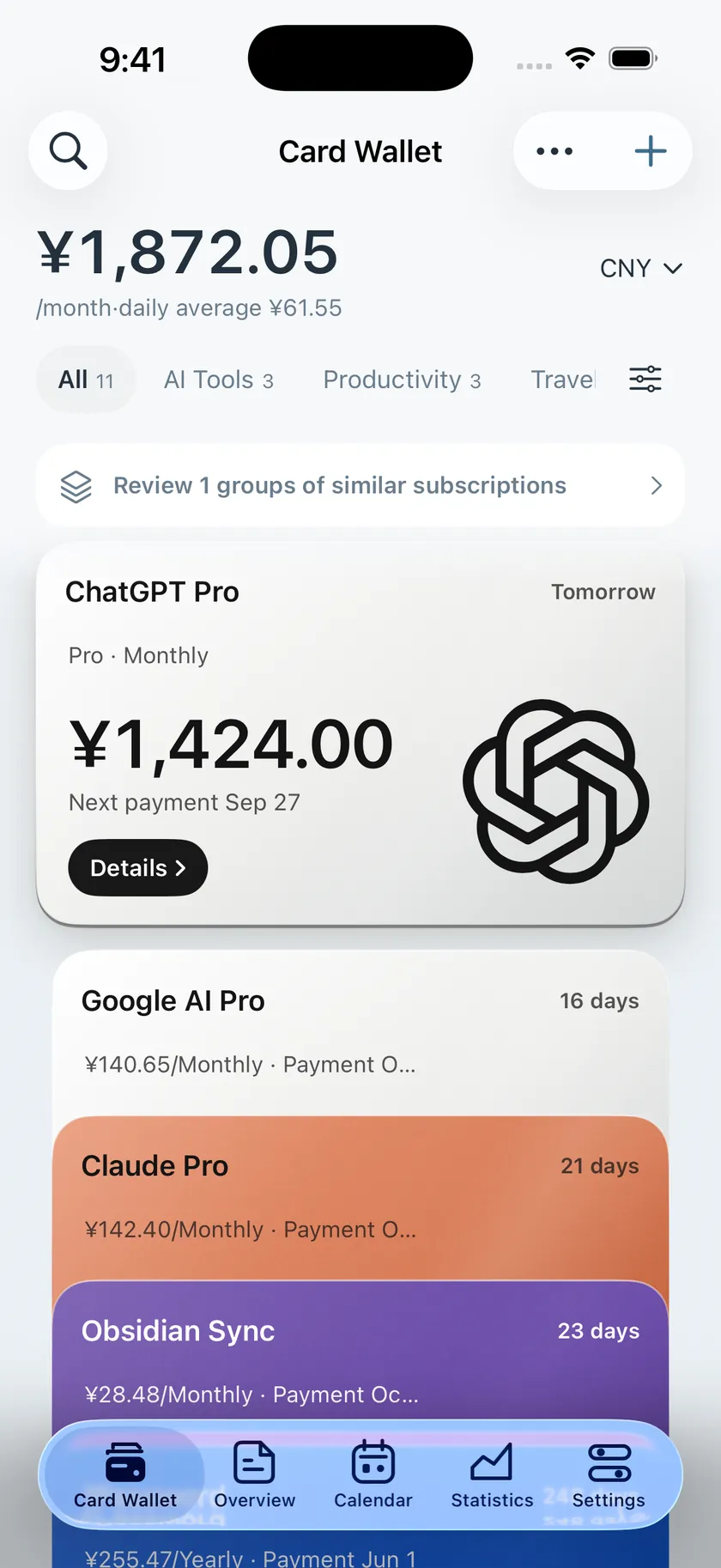
Subscription cards
Each subscription gets a card with its service, price, billing cycle and next payment date. Sorted by payment date, your upcoming bills are easy to find.
Get a heads-up before payment, with time to decide what to keep.
See monthly, yearly and daily costs, with currency conversion for easy comparison.
Record top-ups and payments so you can keep track of each wallet’s balance.
Features
From adding a card to checking your spending, keep the everyday details in one place.
One card per subscription, with categories, search and duplicate checks to keep things organized.
Get reminders before payments and free trials end, with time to act.
See monthly, yearly and daily costs, with a breakdown by category.
Track prepaid balances per platform, managed together with your subscriptions.
Follow changes to public App Store in-app purchase prices.
Keep upcoming payments on your Home Screen and add common actions to Shortcuts.
With Pro, sync records through your own iCloud and pick up on another device.
Use Face ID to protect your list, and hide amounts and names when you prefer.
With Pro, back up to your own WebDAV service and restore your records when needed.
Fill in subscription details from a screenshot. AI asks for consent before the first upload, or you can turn it off and use on-device OCR.
Compare subscriptions in different currencies with exchange-rate conversion.
简体中文, 繁體中文, English, 日本語, 한국어, Français, Deutsch, Español.
Privacy
No ads or cross-app tracking. Free keeps subscription records on your iPhone; Pro adds sync through your own iCloud.
Subscription records, payment methods and wallet balances are stored on your device by default.
Pro syncs through your own private iCloud database. The developer cannot directly access that database.
Add Face ID protection to your subscription list.
Hide amounts and names so you can check in public.
Price monitoring
Follow the apps you use, see changes to public in-app purchase prices and compare prices across App Store regions.
Prices from public App Store pages
Compare in-app purchase prices and popular plans by region
See price changes at a glance
Monthly plan · example
Example prices. Check the App Store for current pricing.
$21.99$19.99
Widgets & Shortcuts
See upcoming payments and monthly average spending on your Home Screen, and use Shortcuts for common actions.
See monthly average spending and the next payment on your Home Screen or Lock Screen.
With Pro, add Cardeyra actions to your Shortcuts routines.
Small Home Screen and Lock Screen widgets are free. Pro adds more Home Screen sizes.
Wallet covers
Choose a cover you like and make your prepaid wallets feel your own.
 Mist Blue Bifold
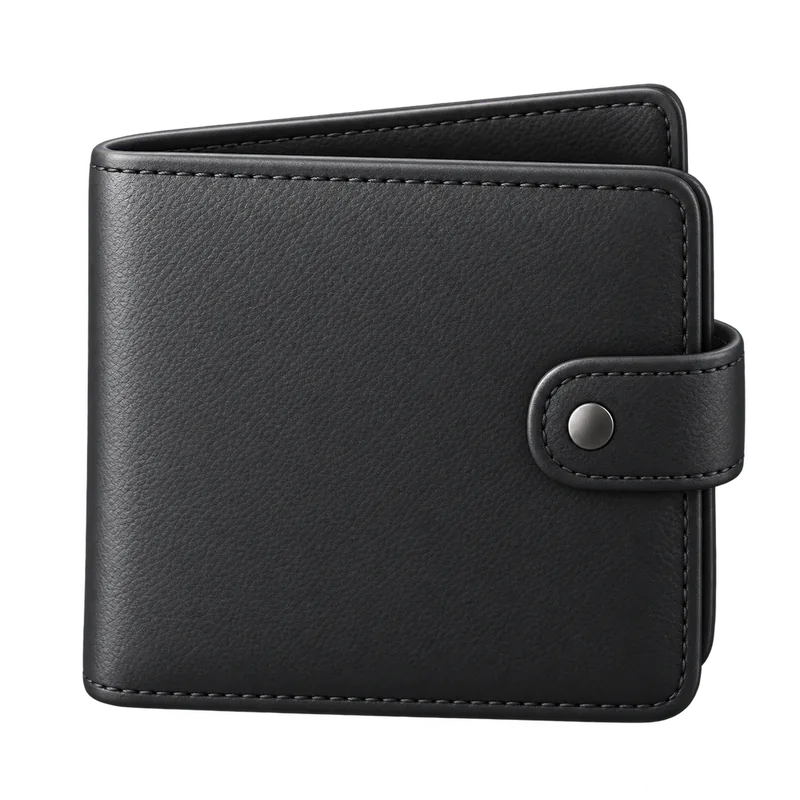 Obsidian Clasp Wallet
 Sage Weave Clip
 Cognac Coin Clip
 Burgundy Envelope Clip
 Mist Blue Pouch
 Geometric Patchwork
 Burgundy Croc
 Indigo Cloud
 Folk Embroidery
Cardeyra Pro
Core tracking and reminders are free forever. Add 16 advanced features with a Lifetime purchase or a yearly plan.
The essentials for tracking and reminders, free forever.
On top of Free, unlock more:
US$9.99Lifetime
US$3.99Yearly
FAQ
No account is needed to track subscriptions, get basic reminders or view spending. Signing in can sync your Pro access across devices; available sign-in methods vary by App Store region. You can delete your account in the app or on this site.
Free stores subscription records on your iPhone. Pro can sync them through your own private iCloud database, which the developer cannot directly access. See the Privacy Policy.
No. Cardeyra only records and reminds. It does not connect to your payment accounts or cancel anything for you; you still cancel with the service or in your Apple Account settings.
Core features are free forever. Pro unlocks 16 advanced features as a one-time purchase or a yearly subscription, shown in your local currency in the app. See the Pro page.
AI is enabled by default and asks for consent before the first image upload. Turn AI off to use on-device OCR. Built-in AI forwards the selected image through Cardeyra to a third-party model provider; if its allowance is used up, it is busy or certain service errors occur, the app tries on-device recognition. You can also use your own API key or compatible service, which receives images directly. Cardeyra’s server does not store images or recognized text. Third-party services apply their own data rules, charges and limits.
From public App Store pages. A lookup sends only the app ID and region, no personal information. The data is public and may be incomplete.
Simplified Chinese, Traditional Chinese, English, Japanese, Korean, French, German and Spanish, with multiple currencies and exchange-rate conversion.
Delete your account in Settings → Account → Delete Account, or on the account deletion page. Deleting an account removes the account, sign-in methods, and sign-in device records. Subscription records on your device and any copies already in your own iCloud are unaffected; clear those separately in the app.

Download Cardeyra for free. Core features are free forever; upgrade to Pro when you need more.

For iPhone · 8 languages